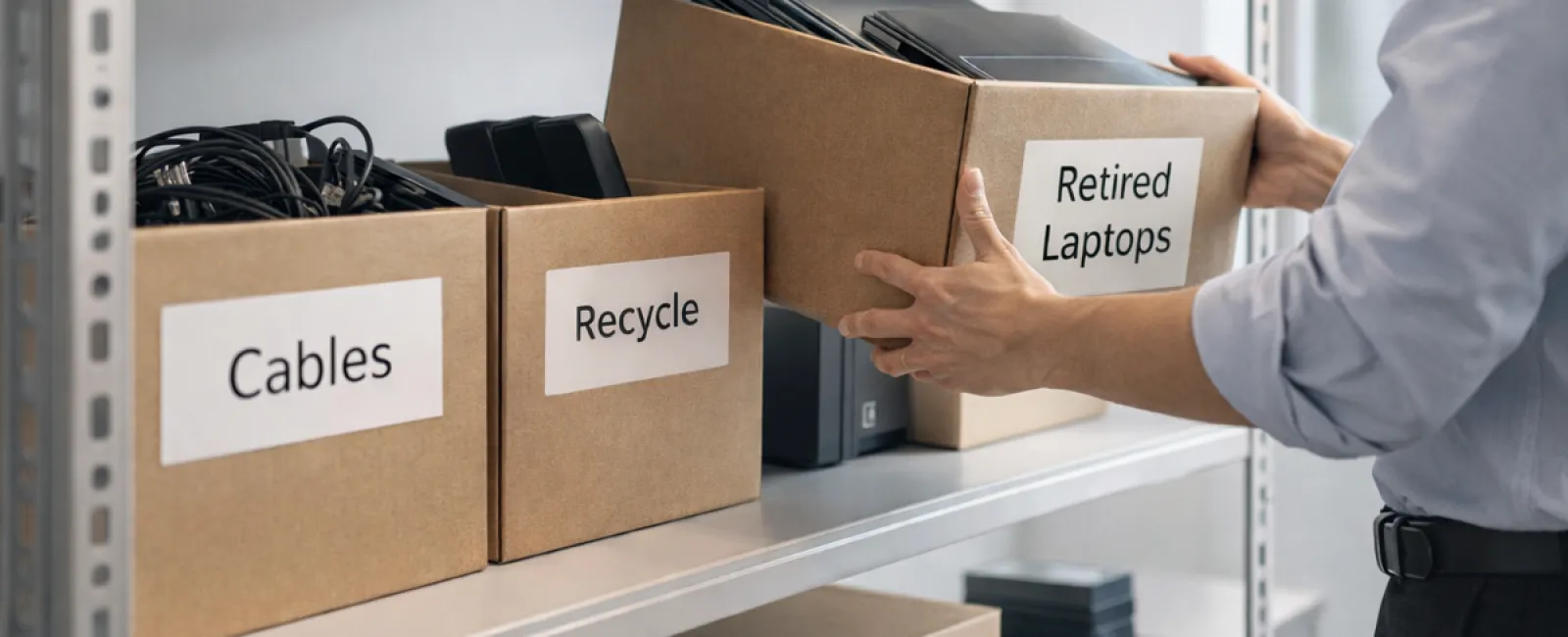
While spring cleaning often begins with clearing out closets, many companies find their greatest clutter isn't visible on shelves.
It could be tangled up in your server racks, tucked away in storage rooms or back offices, or lost in a forgotten "we'll deal with this later" pile.
Outdated laptops. Retired printers. Backup drives from several upgrades ago. Boxes of cables no one dares to toss "just in case."
This kind of tech clutter is inevitable for every business.
The important question isn't if you have it, but whether you have a clear plan to manage it effectively.
The True Lifecycle of Technology Extends Beyond Purchase Dates
Purchasing new tech usually addresses a specific need — increased speed, enhanced security, or expanded capabilities to fuel growth.
While most businesses strategize their technology purchases, far fewer deliberately plan for how to retire old equipment.
Retiring technology tends to happen quietly. Devices are replaced, set aside, then forgotten until someone finally clears the backlog.
That's common—but not ideal.
What sets exceptional companies apart is managing equipment retirement with the same care as acquisitions.
Used technology still holds value, contains recyclable materials, and may store sensitive data. Left unattended, it becomes a nuisance that drains space and focus.
Spring offers a perfect moment to ask: What gear is still useful, and what's just cluttering up your space?
A Clear Strategy to Declutter Your Technology
Move beyond vague intentions by following our straightforward four-step method.
Step 1: Take Inventory
Identify what you're retiring — laptops, phones, printers, network devices, or external drives. You can't manage what you don't know, and an audit often uncovers surprises.
Step 2: Define Each Device's Fate
Every device usually fits into reuse (reuse internally or donate), recycle (through certified e-waste programs), or destroy (when data sensitivity demands it) categories. The key is making intentional decisions, preventing hardware from languishing forgotten.
Step 3: Prepare Devices Properly
This step demands care and discipline.
For devices being reused or donated, remove them from management systems, revoke all access, and thoroughly wipe data—not just a factory reset. Deleting files or quick formats only hide data; it doesn't erase it.
A study by data security firm Blancco revealed 42% of used drives sold on eBay still held sensitive information, despite claims of proper wiping. Certified data erasure tools overwrite every sector and provide verification reports.
When recycling, always choose certified e-waste providers, never the dumpster or curbside. For businesses, programs like Best Buy's recycling are off-limits—these serve residential customers only.
Use IT asset disposition (ITAD) services or business-focused recyclers with e-Stewards or R2 certifications (directories available at e-stewards.org and sustainableelectronics.org). Your IT partner can often guide you here.
If destruction is necessary, employ certified data wiping or physical destruction methods like shredding or degaussing, and maintain records detailing serial numbers, process dates, methods, and handlers.
This approach isn't about paranoia—it's about responsible closure.
Step 4: Document and Proceed Confidently
Once equipment leaves your premises, track its destination, disposition method, and confirm revoked access. Thorough documentation removes uncertainty.
Tech Often Overlooked in Retirement
Laptops get attention, but other devices often slip through the cracks.
Phones and Tablets often retain email access, contacts, and authentication apps. While factory resets help, certified mobile wiping tools ensure complete clearance. Many manufacturers offer trade-in programs—even for older devices—that can offset new equipment costs.
Modern Printers and Copiers usually contain internal hard drives storing every print, scan, copy, or fax. When returning leased machines, get written assurance the drive will be wiped or removed before redeployment.
Batteries are classified as hazardous waste by the EPA. In several states, including California, New York, and Minnesota, disposing rechargeable batteries in regular trash is illegal for businesses. Remove batteries when possible, tape terminals to prevent shorts, and recycle at certified drop-off spots. Call2Recycle.org offers a searchable map, and retailers like Staples, Home Depot, and Lowe's accept rechargeable batteries at many locations.
External Drives and Retired Servers often languish in closets but deserve the same retirement protocols as other tech.
Recycling: A Crucial Reminder
April's Earth Day prompts are timely reminders.
Electronic waste should never be discarded in landfills. The world produces over 62 million metric tons of e-waste yearly, yet only 22% is recycled responsibly. Batteries, monitors, and circuit boards require certified recycling streams. Most communities provide certified e-waste solutions for this reason.
Handled right, tech retirement is operationally smooth, eco-friendly, and strategically smart. Security and responsibility aren't mutually exclusive—you can achieve both.
It also presents a subtle positive story for your company's social channels. Customers notice when businesses handle tech responsibly without grandstanding.
Consider the Larger Possibilities
Spring cleaning isn't just about removal—it's about creating space.
Clearing old hardware is just one facet. Take this chance to reevaluate your whole tech ecosystem: does your technology align with your business vision?
Hardware cycles through, but software, systems, automation, and workflows are what truly power growth and efficiency today.
Properly retiring old gear is good housekeeping. Making sure your technology ecosystem supports your business strategy keeps you moving ahead.
How We Support You
If your equipment retirement process is already solid, excellent—that's how it should feel: seamless and routine.
That said, when replacing old hardware thoughtfully, it's wise to assess the bigger technology picture. Are your systems efficient? Do your tools integrate? Is your technology accelerating growth or just maintaining the status quo?
If you're open to a broader review of how your tech stack, systems, and processes enhance your productivity and profitability, we're here to talk.
No checklists. No pressure. Just an honest conversation on optimizing technology for your business.
Click here or give us a call at 714-369-8197 to schedule your free 15-Minute Discovery Call.
If this inspired you, please share it with fellow business owners.
Spring cleaning should extend beyond closets—it should include the technology powering your business.