Keeping outdated technology might seem like a smart way to save money, but it often ends up costing your business more than you think. Aging hardware and obsolete software can drag down your team's efficiency, increase expenses, and expose your company to security risks.
Understanding the True Expense
Outdated technology affects your business in several critical ways. Older systems operate more slowly, reducing your workforce's productivity and efficiency. Moreover, these systems are at risk of sudden failure, leading to unexpected downtime that can disrupt your operations and delay project deadlines.
The security dangers are equally concerning. Without regular updates and patches, legacy hardware and software become easy targets for cyberattacks. Hackers exploit these vulnerabilities to gain access to sensitive business data, putting your company at significant risk. This security gap can also cause compliance failures during audits. Updating to the latest technology is essential to safeguard your business against these threats.
Key Signals That Your Technology Needs an Upgrade
Watch for these warning signs that it's time to modernize your tech infrastructure:
1. Your systems still run on Windows 10 or earlier versions.
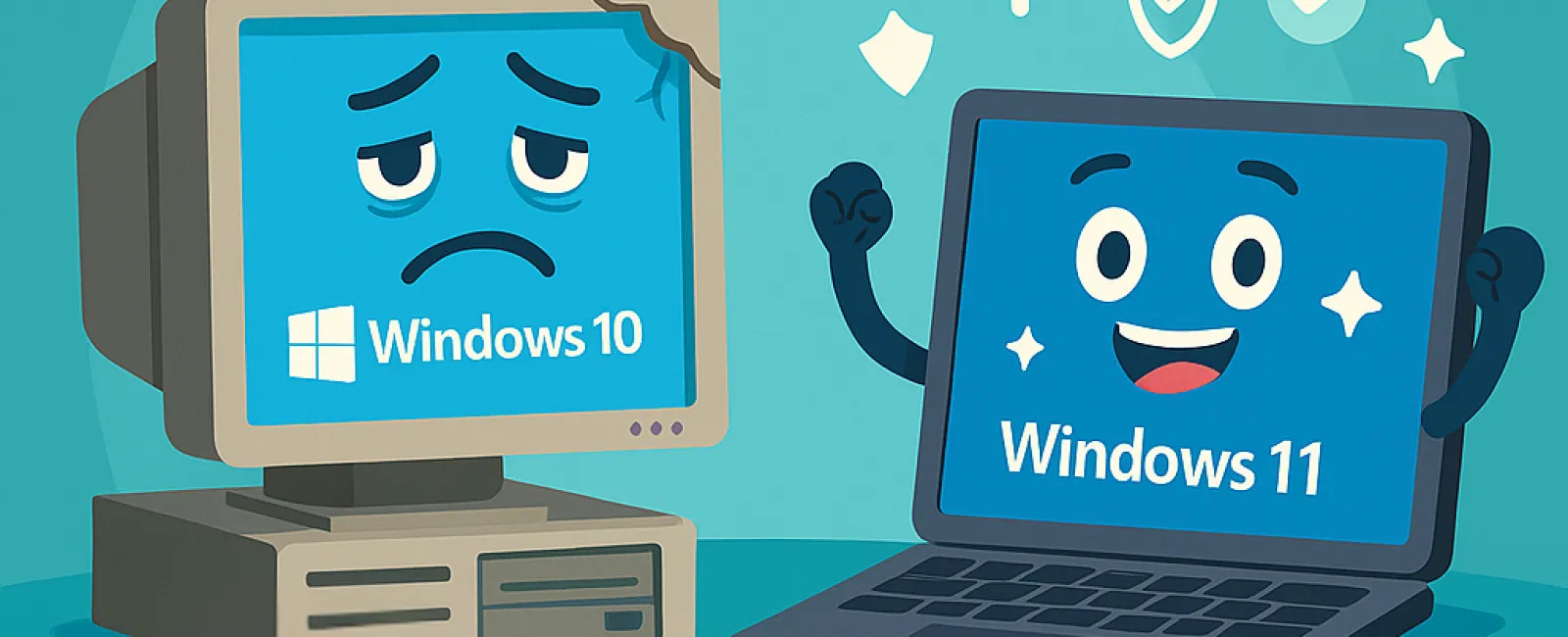
Microsoft will cease support for Windows 10 in October 2025, which means no more security updates to patch new vulnerabilities. Continuing with Windows 10 beyond this date opens your business to serious cybersecurity and compliance risks. Begin planning now to transition to Windows 11 and keep your systems protected.
2. You call IT repeatedly for recurring issues.
Constant crashes, sluggish performance, and unresponsive systems are red flags that indicate your technology is failing. These frequent disruptions not only frustrate your team but also create a significant drain on productivity and support resources.
3. Your software is incompatible with modern tools.
Legacy software often lacks integration with mobile applications and cloud services. This limitation restricts your ability to utilize new technologies, deliver superior client experiences, and scale your operations effectively.
4. Your devices hamper your team's efficiency.
If your computers take too long to start, freeze during critical tasks, or crash during important calls, they are slowing down your whole workflow. Since every minute counts, outdated devices—typically over three to five years old—should be assessed for performance and energy use to ensure they don't compromise productivity or increase costs.
5. Your security tools are outdated.
Firewalls and antivirus solutions that haven't been updated recently leave your data vulnerable to cyber threats. As hackers continuously evolve their tactics, your defenses must be current to prevent breaches. Old security systems are often the weakest link and a common entry point for ransomware attacks.
Worried about upgrade expenses? While updating your technology involves investment, holding onto slow and vulnerable systems often results in higher costs through lost productivity, security breaches, and patchy fixes. Thankfully, there are cost-effective, strategic upgrade paths that can protect your business without breaking your budget.
Partner with Experts to Simplify Your Upgrade
If you want expert guidance to smoothly transition to new technology and stay informed about necessary updates, connect with our team to arrange a FREE 15-Minute Discovery Call. During this brief consultation, we'll outline the best next steps to keep your business secure, efficient, and budget-friendly. Schedule your appointment by calling 714-369-8197 or click here.