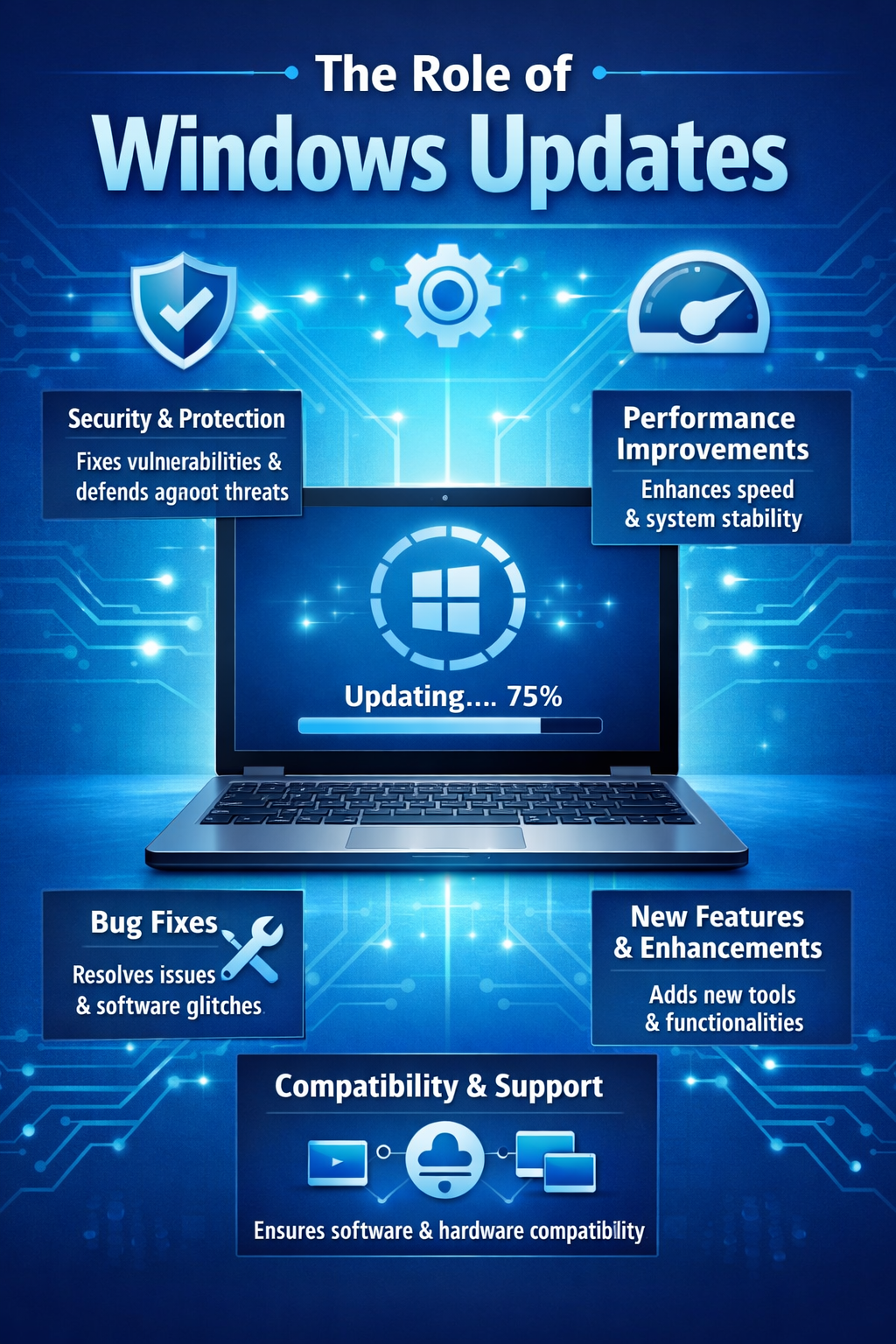
Introduction to the Importance of Windows Updates
In today's fast-paced digital world, ensuring the safety and efficiency of your computer systems is of paramount importance. One of the simplest yet most effective ways to achieve this is through regular Windows updates. These updates are crucial for maintaining the security, functionality, and overall performance of your computer. Every update released by Microsoft is designed to address vulnerabilities, enhance features, and improve the user experience, making it an essential task for every Windows user.
For many, the thought of updating their operating system may seem like a cumbersome task, but neglecting these updates can leave your system vulnerable to cyber threats and malware attacks. Windows updates often include critical security patches that protect your data from being compromised. Moreover, these updates are not just about fixing bugs but are also about adding new features and improving existing ones, thereby enhancing the overall user experience.
By staying current with Windows updates, you not only safeguard your personal and professional data but also ensure that your system runs smoothly and efficiently. The process is straightforward and requires minimal time investment for the benefits it provides. So, next time your computer prompts you for an update, think of it as a necessary step towards a more secure and efficient digital environment. Embrace the updates as part of your regular maintenance routine and enjoy the peace of mind that comes with knowing your system is protected and up to date.
Understanding How Windows Updates Enhance Security
Safeguarding your computer from cyber threats is not just a necessity but a responsibility. Windows updates play a crucial role in fortifying your system's security. They provide essential patches that fix vulnerabilities in the operating system, often exploited by hackers to gain unauthorized access. By consistently updating Windows, you ensure that your computer is equipped with the latest defenses against malware, viruses, and ransomware.
What sets Windows updates apart is their ability to address newly discovered security flaws swiftly. Each update is meticulously designed to counter the latest threats, ensuring that users have a robust shield against potential breaches. This proactive approach not only protects your sensitive data but also enhances your computer's performance, as updates often include improvements that optimize system efficiency.
Moreover, Windows updates are user-friendly, designed to operate seamlessly in the background, minimizing disruptions to your workflow. This means you can focus on your tasks, while your system remains protected. By prioritizing these updates, you are not only safeguarding your digital assets but also supporting a safer online community.
Ready to enhance your computer's security? Ensure your Windows updates are set to automatic and stay ahead of cyber threats with the latest protections. For more tips on maintaining a secure digital environment, feel free to contact us.
The Efficiency Benefits of Regular Windows Updates
Maintaining optimal performance is crucial for both personal and business computing environments. Regular Windows updates are a fundamental aspect that ensures your systems remain efficient and effective over time. They do more than just enhance security; they also bring improvements that can significantly boost your system's performance.
One of the key benefits of regular updates is the optimization of system resources. Windows updates frequently include enhancements that streamline processes, resulting in faster boot times and improved overall responsiveness. These optimizations help to keep your system running smoothly, reducing the likelihood of crashes or slowdowns that can disrupt your workflow.
Enhanced Compatibility and New Features
Updates also contribute to improved software compatibility. As new applications and technologies emerge, updates ensure that your operating system remains capable of supporting them. This compatibility is vital for maintaining productivity, as it allows the seamless integration of new tools and applications into your existing workflow.
Moreover, Windows updates often introduce new features that can enhance your computing experience. These features may include improved interface elements, new functionalities, and tools designed to improve both productivity and user satisfaction. By staying up to date, you ensure that you are making the most of your system's capabilities.
In conclusion, regular Windows updates are not merely a routine task but a strategic step towards maintaining an efficient and productive computing environment. They ensure your system remains optimized, compatible, and brimming with the latest features, all of which contribute to a more streamlined and effective user experience.
Want to learn more about optimizing your computer systems? Have a question? Get in touch.
Click Here or give us a call at 714-369-8197 to Book a FREE 15-Minute Discovery Call.