Imagine you're halfway through a five-hour road trip to visit family for the holidays. Your daughter asks, "Can I play Roblox on your work laptop?" The laptop that holds client files, financial details, and access to your entire business. You're weary from packing, still have hours to go, and honestly, keeping her entertained sounds tempting. But is it really harmless?
Holiday travel exposes you to unique online security risks that your usual routine doesn't. You're tired, distracted, connecting to unknown networks, and blending family moments with quick "work check-ins." Whether it's for business or pleasure, here's how to safeguard your data while keeping the holiday spirit intact.
Quick 15-Minute Prep Before You Hit The Road
Spend just 15 minutes before your trip making sure your devices are secure and ready:
Essential Device Measures:
- Update all software with the latest security patches
- Back up critical files safely to the cloud
- Set your devices to auto-lock within two minutes
- Enable "Find My Device" on all phones and laptops
- Fully charge power banks for on-the-go energy
- Pack your own charging cables and adapters to avoid hassle
Setting Expectations With Your Family:
- Clarify which gadgets kids are permitted to use
- Provide a dedicated family tablet or secondary device for entertainment
- Create separate user accounts if children need to use your laptop
Insider tip: For your kids' screen time during travel, bring a tablet that's not linked to your work accounts. Investing in a modestly priced iPad is a smart defense against costly data breaches.
Why Hotel WiFi Could Be Putting You at Risk
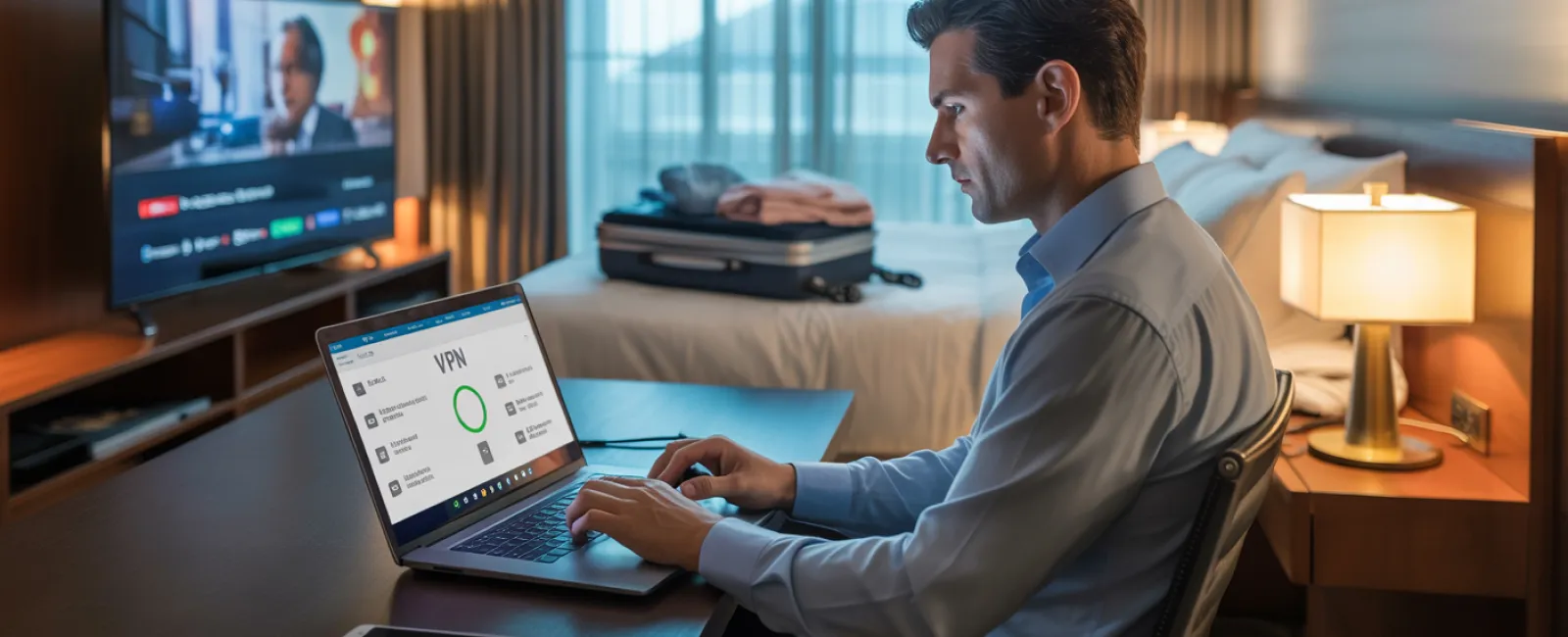
Upon arrival, everyone connects devices to the hotel's WiFi—phones, tablets, laptops, gaming consoles—streaming shows, checking emails, and more. But shared hotel networks are goldmines for cybercriminals.
True story: A family unknowingly connected to a fake network posing as the hotel's WiFi. For two full days, their passwords, credit card info, and emails were stolen.
Stay Protected With These Tips:
Confirm the correct network name with the front desk—never guess it.
Use a VPN for work-related access to encrypt your data and block snoopers.
Switch to your phone's hotspot when handling sensitive banking or client info instead of hotel WiFi.
Keep work traffic separate—let your kids stream on hotel WiFi, but reserve your confidential activities for a secure hotspot.
Handling "Can I Use Your Laptop?" Requests
Your work laptop is a gateway to delicate emails, financials, and client information. Kids want to watch videos or chat with friends.
Why this matters: Kids might inadvertently download risky content, click on pop-ups, share passwords, or leave accounts logged in. These innocent actions pose serious security threats on work devices.
Protect your data with these steps:
Say no to letting them use work devices—offer a separate device instead and be consistent.
When sharing is unavoidable:
- Set up a restricted user profile
- Monitor their activity closely
- Block downloads and password saves
- Clear browsing histories after use
A better approach: Carry a dedicated family device for travel, such as an older tablet or laptop that doesn't connect to your work accounts.
Beware of Leaving Logged-In Accounts on Hotel TVs
Want to stream a movie on the hotel's smart TV? Logging into your Netflix or other accounts is tempting but risky. If you forget to log out before checkout, the next guest gains access to your subscriptions.
Consequences: Unauthorized access to your accounts—and if your passwords overlap, risk exposure across multiple services.
How to avoid this pitfall:
- Cast from your personal device rather than logging directly into the TV
- Set phone reminders to log out before leaving
- Even better: Download shows ahead of time and skip hotel TVs
Never log into sensitive accounts on hotel TVs:
- Banking and financial apps
- Work-related platforms
- Email and social media
- Any service storing payment information
Lost Device? Here's Your Immediate Action Plan
Devices can get lost amidst the chaos of holiday travel—in hotels, rental cars, or airports. If it happens to you:
Within the first hour:
- Use "Find My Device" to locate your gadget
- If recovery isn't swift, lock it remotely
- Change key account passwords from another device
- Alert your IT team to revoke corporate access
- Notify anyone impacted if sensitive data was on the device
Set these protections before you travel:
- Enable remote tracking and locking
- Choose strong passwords
- Activate full device encryption
- Ensure remote wipe capabilities are set
Lost device belonging to a family member? Apply the same steps immediately to minimize risk.
Avoid Data Exposure When Using Rental Car Bluetooth
Connecting your phone to a rental car's Bluetooth seamlessly plays your music and navigation, but the car often saves your contacts, call logs, and text previews.
This data frequently remains accessible to the next driver.
Quick steps to protect your privacy before returning the vehicle:
- Remove your phone from the car's Bluetooth list
- Clear recent GPS destinations
- Or use an aux cable or avoid connecting altogether
Managing the 'Working Vacation' Balance
Balancing work and family during holidays is tricky. Maybe you've checked email dozens of times while others play, taking calls and sneaking in work hours.
This constant multitasking reduces your security awareness, increasing the chance of mistakes or unsafe connections.
Honest advice: If unplugging completely isn't an option, create firm boundaries:
- Schedule specific times twice daily to check work communications
- Use your mobile hotspot—not hotel WiFi—for work tasks
- Work in private hotel rooms, away from public view
- Commit to full presence during family moments—no multitasking
The smartest security move? Take genuine time off. Your business will thrive, and you'll return more alert and better protected.
Adopt a Proactive Holiday Travel Security Mindset
We know—it's not always possible to keep work and family neatly separated during holiday travel. Sometimes your child really needs your laptop; sometimes urgent work emails can't wait.
The goal isn't perfection—it's thoughtful risk management:
- Prepare your devices before departure
- Identify which activities carry high risk (such as banking over public WiFi) versus safer alternatives (using your personal hotspot)
- Set up clear divides between work data and family use whenever possible
- Have a plan ready in case of a security incident
- Know when to say "Not on this device" and mean it
Celebrate the Holidays, Not Cyberattacks
The holidays should be about joy and connection—not recovering from a data breach or explaining security lapses to clients.
With a little preparation and smart rules, you can protect your business without spoiling the vacation. Your family enjoys the season; your business stays secure. Everyone wins.
Need expert help developing travel security plans for your team and yourself? Click here or call us at 714-369-8197 to schedule your free 15-Minute Discovery Call. We're here to help you build practical policies that safeguard your business while keeping travel hassle-free.
Because the best holiday memories are about moments shared—not "Remember when Dad's laptop got hacked?"